Purpose
Logging in to the catalogue can be useful in order to:
- Create or edit metadata records
- Access certain datasets with restricted availability
How to create an account?
Account creation works as follows:
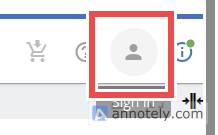
- Click on the user-shaped icon at the top right of the screen
- The page that appears lets you choose how you want to sign in.
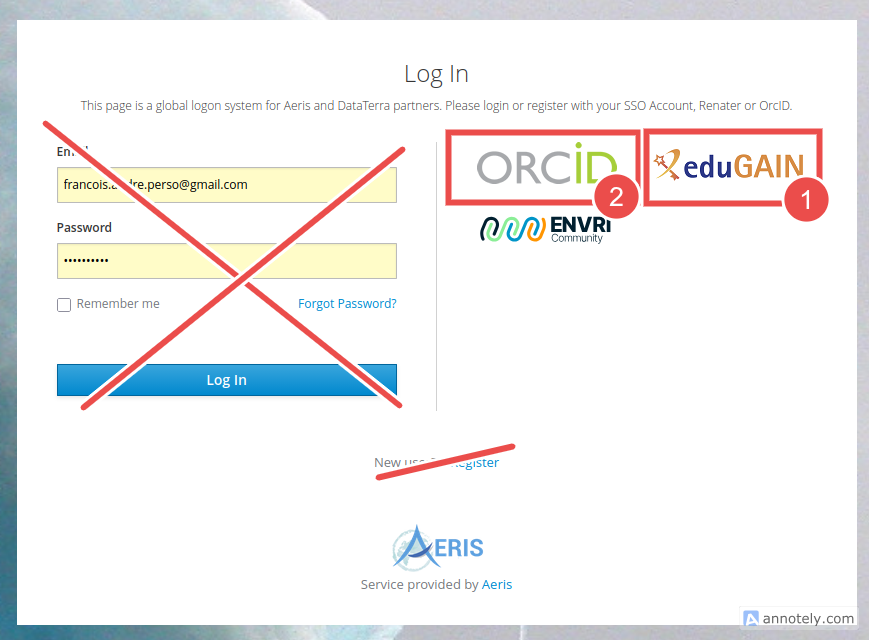
We strongly recommend using one of the following options first:
- eduGAIN: eduGAIN federates most major scientific and research institutions worldwide. Choosing this option lets you use your usual institutional authentication system.
- ORCID: ORCID is a free personal identifier widely used in the research community. Using this option lets you sign in with your ORCID account.
We advise against using the other sign-in method—available via the “Register” link—which creates an internal account and requires you to remember a new password.
- In the next step, simply provide the additional information needed to complete your identification.
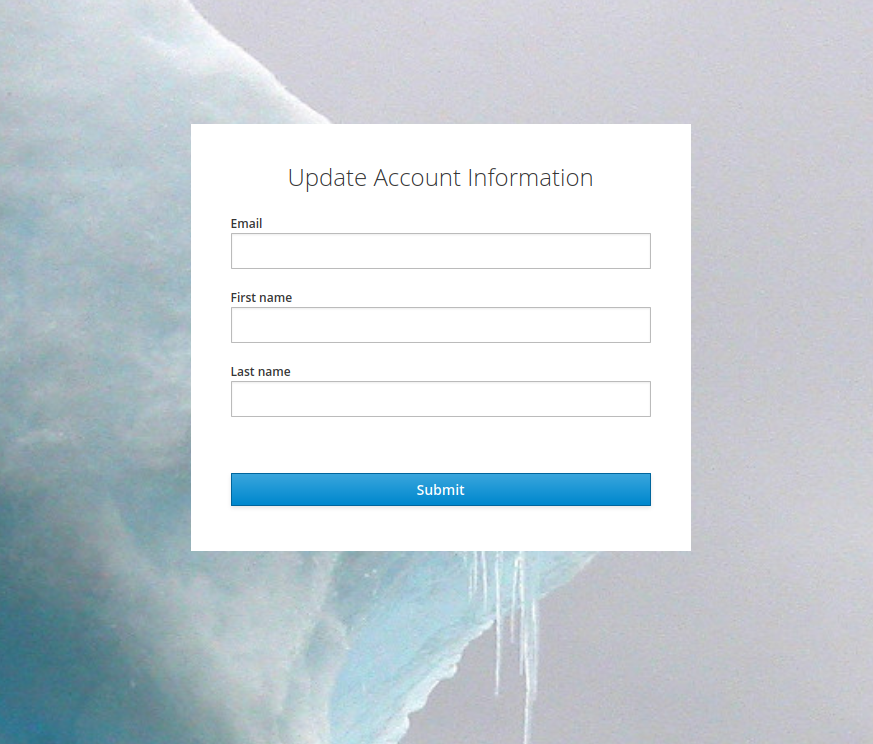
The email address you provide will be used by the system to send you a confirmation message, as shown on the screen that then appears.
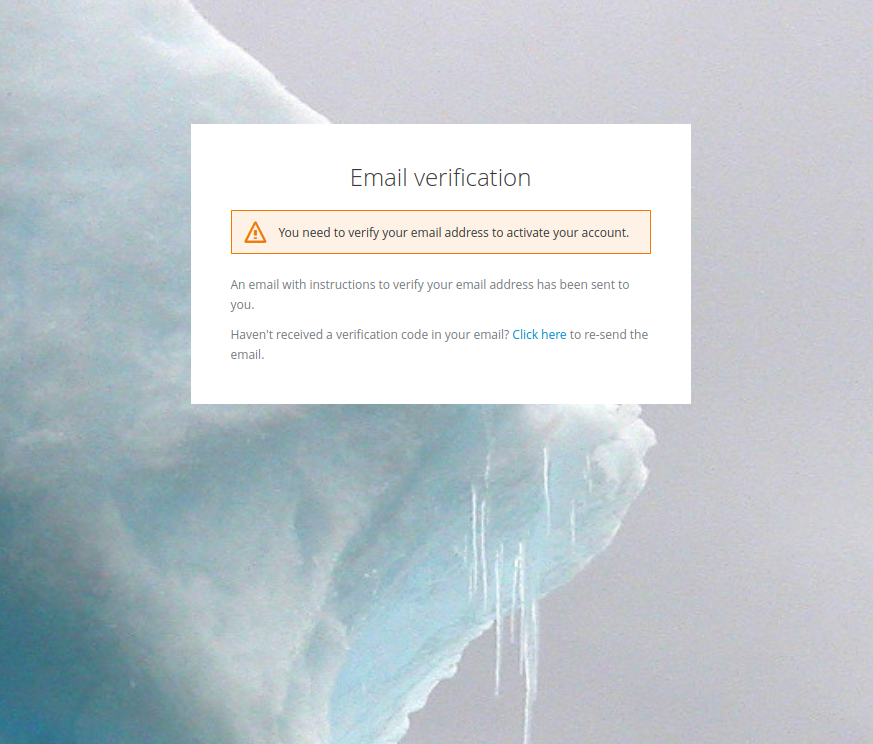
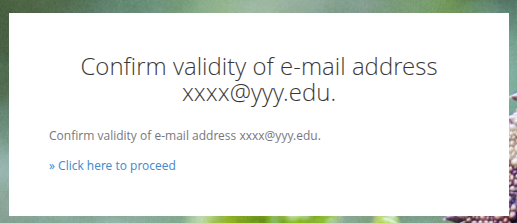
In the email you receive, click the link that will open the page where you can complete the account creation.
How to login ?
Once your account has been created, you can easily sign in:
- Click the user-shaped icon.
- Select your authentication method and proceed with sign-in.
- Once authenticated, you will be redirected back to the original page. This time, the user icon will have changed appearance, indicating that you are signed in.