

Note
The role system is described on this page:
https://catalogue.sedoo.fr/what-are-the-roles-used-by-the-catalog/
Visual explanation
Here is a visual explanation using the equip-g catalogue
Textual explanation
Users with the METADATA_EDITOR role can assign permissions on a project.
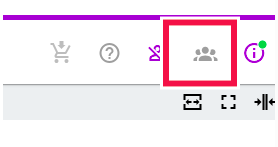
To do this, once logged into the catalogue, simply click on the following icon:
When the window opens, you will see:
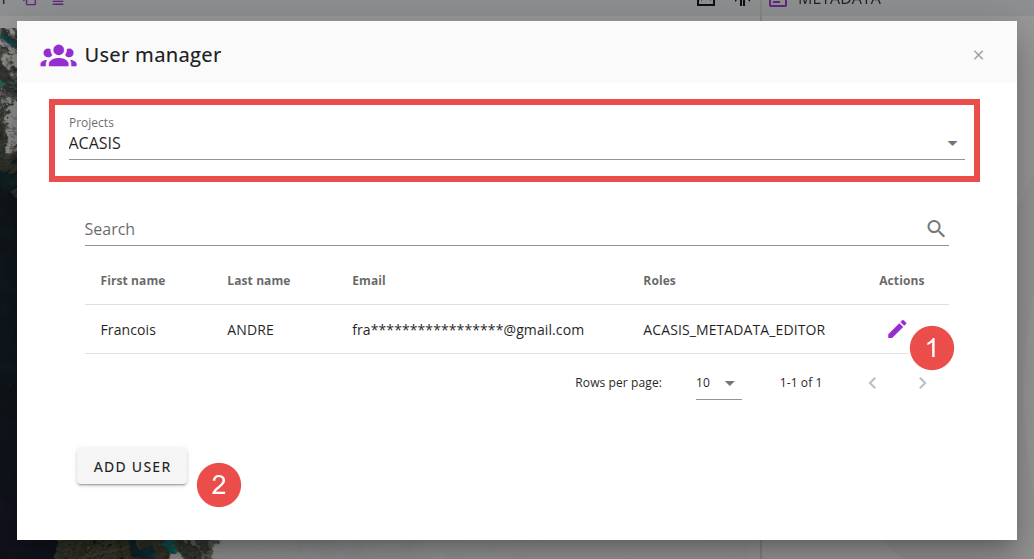
A drop-down list displaying all the projects for which you have METADATA_EDITOR rights.
For each project, the list of users who already have permissions on that project
From this interface, you can:
- Modify the permissions of an existing user by clicking on the pencil icon
- Grant permissions to a registered user
For example:
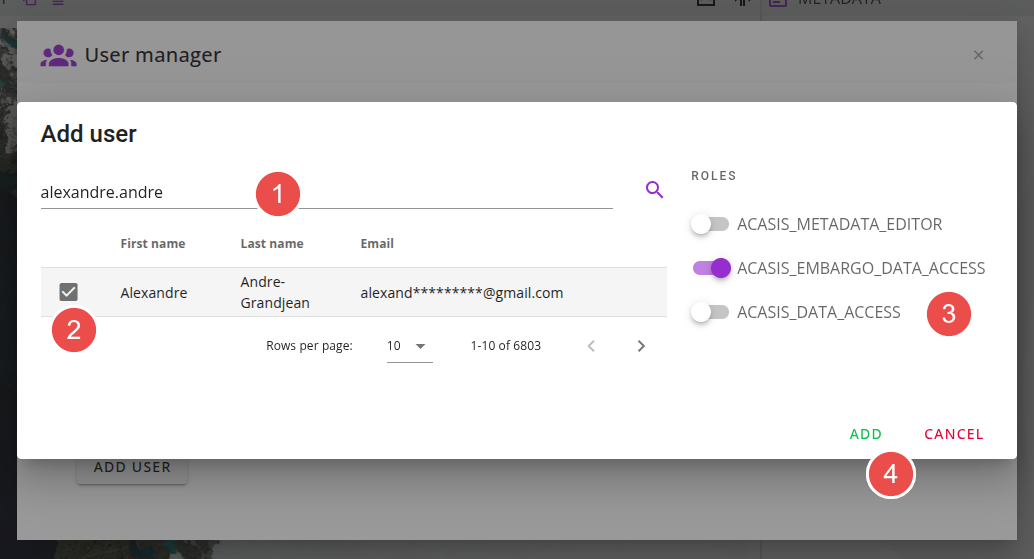
In this case, the steps to follow are:
- Identify one or more users
- Select them
- Specify the desired roles
- Click the ADD button